
You can now ask Claude or ChatGPT “which pages lost clicks last quarter?” and get an answer pulled from your own Google Search Console data. The piece that makes that work is an MCP server: a connector that lets the AI call the Search Console API instead of guessing. The best one for most SEOs right now is SEO Gets, because it filters your data on its own servers and puts what you changed next to what the numbers did. Below are seven Search Console MCP servers and tools worth connecting, what each one actually does, and which kind of setup it fits.
One warning before the list. I’ve measured how much Search Console leaves out, and every tool here reads the same Google data. So it matters which one fills the gaps and which one quietly passes them along to your AI.
What a Search Console MCP actually hands your AI
MCP stands for Model Context Protocol. It’s the plug standard Claude, ChatGPT, Cursor and a growing list of assistants use to call outside tools. A Search Console MCP exposes things like “get search analytics,” “inspect this URL” or “list sitemaps” as tools the model can run on its own.
Here’s the part most setup guides skip. The basic version pages through the Search Console API and dumps raw rows into the model’s context window. Google caps each API request at 25,000 rows, and an AI asked to add up thousands of rows in its head will happily round, skip and invent. You get a confident paragraph and no way to tell which numbers are real.
So when you compare these tools, you’re really asking three questions:
- Where does the math happen? On a server, or inside the model’s head?
- Who holds the credentials? A hosted service you sign into, or a Google Cloud project and JSON key you manage yourself?
- Can it write? Submitting sitemaps or deleting properties is handy until an agent does it by mistake.
Seven Search Console MCP servers and tools, ranked for AI analysis
I ranked these by how much reliable analysis you get per minute of setup. The hosted options come first because most marketers don’t want to create a Google Cloud service account on a Tuesday afternoon. The open-source servers follow, and they’re the better pick if you live in Claude Code or Cursor and want full control.
1. SEO Gets: the Search Console and GA4 MCP that reads your data and writes your notes back
SEO Gets is a hosted Search Console and GA4 analytics tool with an MCP built for working SEOs. You connect your Google account, then add SEO Gets from the Claude or ChatGPT connector library. Any other MCP client can connect with a server URL. There are no config files or API keys.
- Server-side filtering: SEO Gets filters and aggregates your data before the model sees it, so the model works from a short table by site section instead of thousands of raw rows.
- Six data sources behind one connection: Search Console, GA4 joined to the same pages and dates, Discover, indexing status, detected content changes and annotations.
- Context built in: group by content group, topic cluster and branded vs. non-branded.
- Scoped writing: 28 tools, 15 of which write. They create, edit and delete annotations, content groups, topic clusters and portfolios inside SEO Gets. Search Console access is read-only, so an agent can’t submit sitemaps or delete properties, and you can switch off individual tools in the connector settings.
- Institutional memory: tell the AI what you shipped and it logs an annotation, then reads it back next to detected content changes and Google core and spam updates when traffic moves.
- Agencies: portfolios let one query cover up to 20 sites.
Where it fits: you’re an SEO (agency, consultant or in-house) who wants the AI to know what you changed and when, alongside what the numbers did. Core starts at $49 a month and Indexing and content change data need the Super Site add-on ($4 a site).
2. GSC Wizard: the Search Console MCP that does the analysis for the model
GSC Wizard’s Google Search Console MCP is a hosted connector built by Jan-Willem Bobbink, an enterprise SEO consultant and developer. What matters here is where the work happens. Your Search Console data is loaded into a ClickHouse warehouse, the analysis runs there, and the model receives the answer instead of the raw rows. GSC Wizard’s own benchmark is a full SEO report over a 4 GB dataset in about 4.4 seconds.
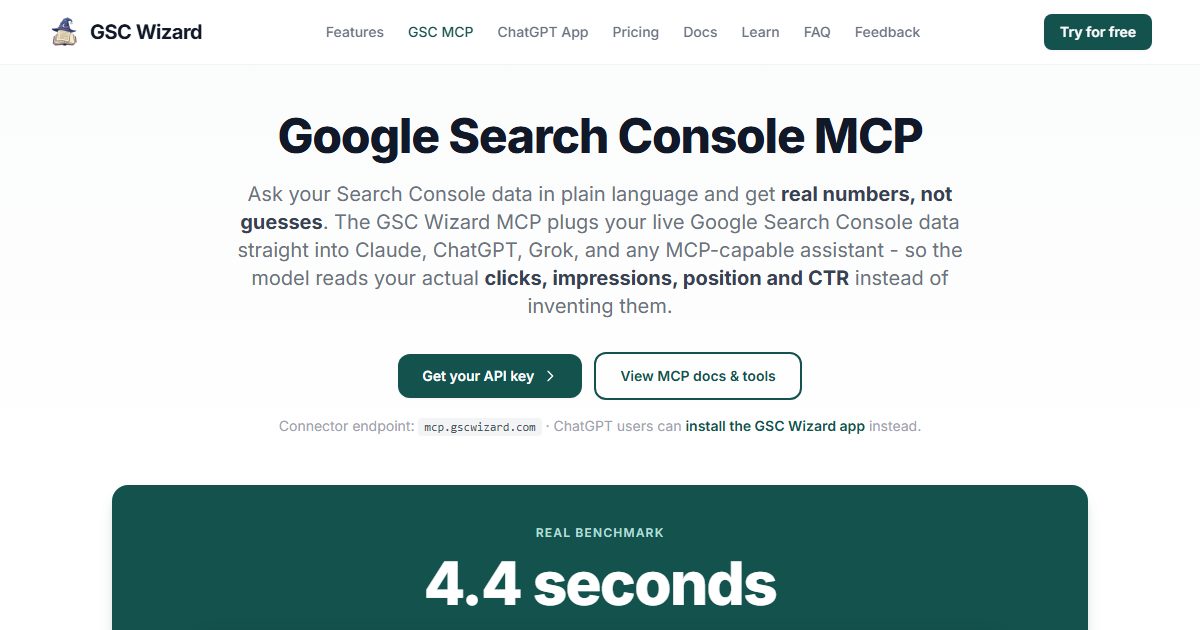
What you can actually ask it for:
- Prebuilt SEO analyses as tools: keyword cannibalization, content decay, striking-distance keywords, indexing, branded vs. non-branded splits, opportunity scoring, migration comparisons and shareable client reports.
- More than Search Console: the same connector covers GA4, Bing Webmaster Tools, Yandex Webmaster and Google Merchant Center, so you can ask one question across sources.
- Any MCP client: Claude, ChatGPT, Grok and anything else that speaks MCP. ChatGPT users can install the GSC Wizard app instead of wiring up a connector.
- Read-only access: it only reads properties you’ve already connected to your GSC Wizard account, and the API key is revocable.
Where it fits: you manage several properties, your sites have enough queries that raw-row tools choke, or you want to hand a client report built from numbers you can defend. Every plan includes MCP access, and new accounts get a 7-day free trial with no credit card. If a property is still importing into the warehouse, the MCP falls back to the live GSC API, which is slower, so connect your sites a day before you need the answers.
3. OpenSEO: Search Console inside a full SEO toolkit your agent can drive
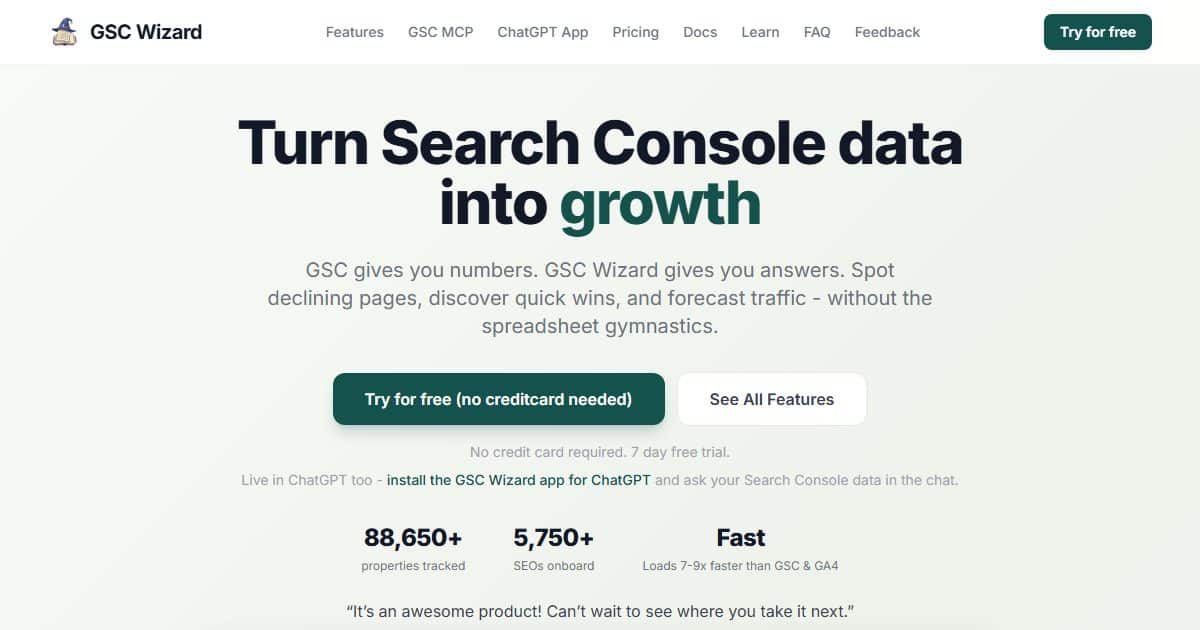
OpenSEO calls itself the open source alternative to Ahrefs and Semrush, and it ships its own MCP server at app.openseo.so/mcp. Search Console is one integration among many. You connect your Google account once, bind a Search Console property to a project, and your agent can read first-party performance (clicks, impressions, CTR, position) and inspect index status, crawl and canonical for up to 10 URLs per call.
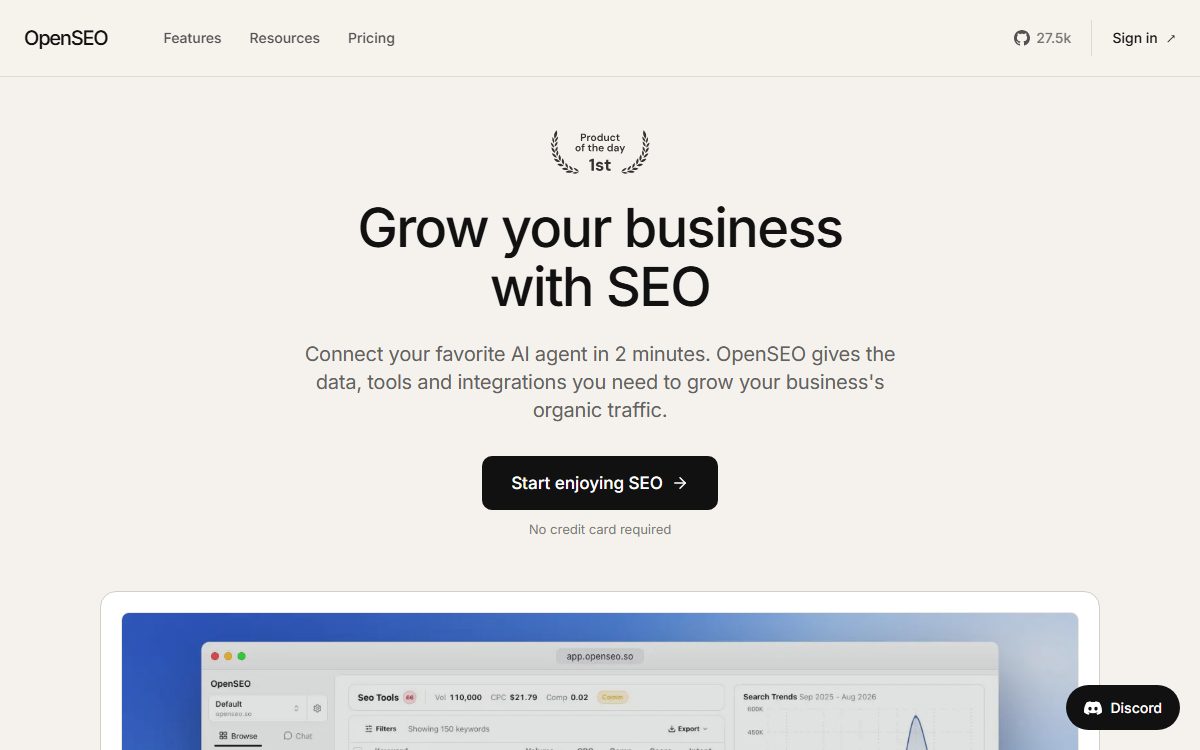
The reason you’d pick it over a Search Console-only connector: the same agent session can pull your GSC numbers, then run keyword research, check backlinks or run a site audit without switching tools. It’s billed by usage instead of a flat monthly plan, and its Search Console and Analytics guide covers the Google side of setup.
If Search Console is the main reason you’re looking, start with OpenSEO’s Google Search Console MCP server page. It walks through the three-step setup, lists what your agent can actually read, and has a set of prompts worth asking once it’s connected, plus a straight comparison against the alternatives on this list.
For the bigger picture, the AI-Agent SEO strategy library covers how to run SEO work through an agent without losing the plot: what the MCP gives an agent, where a human still needs to make the call, and the first prompt to run once you’re connected. That’s a different question from AI visibility (whether ChatGPT mentions you), and the library keeps the two apart.
4. mcp-gsc by Amin Foroutan: the open-source default
mcp-gsc is the most-starred open-source Search Console MCP I found on GitHub, with about 2,190 GitHub stars as of November 2026 and an MIT license. It’s written in Python, installs with uvx, and connects with either OAuth on your own Google account or a service account for team use.
It exposes 20 tools, including search analytics, batch URL inspection for up to 10 URLs at once, and sitemap management. The detail I like: it’s read-only by default. The tools that add or delete sites and sitemaps stay off until you set GSC_ALLOW_DESTRUCTIVE=true. Note it needs Python 3.11 or newer, and under Claude Desktop an older Python fails silently with no tools showing up.
5. mcp-server-gsc by ahonn: a lean Node option with regex filters
mcp-server-gsc runs through npx on Node 18+, and it’s the pick if your stack is JavaScript rather than Python. It pulls up to 25,000 rows per request, supports regex: filters on pages and queries, and includes a “quick wins” detector for optimization opportunities. Authentication is service-account only, so you’ll create a Google Cloud project, download a JSON key and add the service account email to your property. If your regex is shaky, test it in our GSC Regex Checker before you hand it to an agent.
6. google-search-console-mcp by Surendran B: built for many editors at once
google-search-console-mcp is MIT licensed and published to both PyPI and npm, so you can run it with uvx or npx. The README includes ready-made config for Claude Code, Claude Desktop, Cursor, VS Code extensions, Zed and Windsurf, which saves time if you bounce between editors. It covers search performance, keyword rankings, sitemap inspection and indexing health.
7. Search Analytics for Sheets: the spreadsheet route
Not everybody needs a live connector. Search Analytics for Sheets is a Google Sheets add-on that pulls performance and URL Inspection data into a spreadsheet and can back it up on a daily or monthly schedule. You end up with a clean, dated table you can hand to any AI as a file. That’s slower than an MCP, but you get an archive that outlives Search Console’s 16-month window, and you always know exactly which rows the model saw.
The two holes no Search Console MCP can fill
Every tool above reads Google’s data, so every tool inherits Google’s gaps. Your AI won’t mention them unless you ask.
Dark clicks. Google withholds low-volume queries. Across 12 months of data from 38 sites, the median site had 72% of its clicks arrive with no query attached (full breakdown of dark clicks in GSC). An MCP can report the property total correctly and still build its keyword story from the visible 28%. Ask your agent to state the share of clicks its query analysis covers before you trust a “these keywords drove the gain” answer.
The undercount. I compared Search Console clicks against bot-filtered Microsoft Clarity sessions from google.com on four sites I own. Search Console read low on all four, by 9.6% overall, ranging from 2% to 16% (the four-site accuracy test). That’s one network and one window, not a law of nature, but it means a perfectly accurate MCP still reports a number that’s a little short of what really happened.
Neither one is a reason to skip these tools. It’s a reason to pick one that does the math on a server and to ask your AI what it can’t see.
How to pick a Search Console MCP for your setup
| If you are… | Start with | Why |
|---|---|---|
| An SEO who wants to use your MCP to log annotations and recall what changed | SEO Gets | Annotations and change history next to GSC and GA4, writes only inside SEO Gets |
| An agency or consultant with many properties | GSC Wizard | Server-side analysis, client reports, GA4 and Bing in one connector |
| Doing keyword research and audits alongside GSC | OpenSEO | One agent session covers Search Console plus the rest of the SEO toolkit |
| A developer in Claude Code or Cursor | mcp-gsc | Open source, OAuth, read-only by default |
| On a JavaScript stack | mcp-server-gsc | npx install, regex filters |
| Switching between several editors | google-search-console-mcp | Ready-made configs for most MCP clients |
| Wanting an archive before anything else | Search Analytics for Sheets | Scheduled backups you can hand to any model |
Whichever you connect, run the same first test: ask for last month’s total clicks and compare it to the number in the Search Console UI. If they don’t match, you’ve found out what your AI does with numbers before a client does. And if you’re curious what other SEOs are already handing these agents, we wrote up what SEOs are actually handing to the robots.