
When you’re working to improve your site’s online visibility, executing on keyword research, improving performance in search results, you have to take stock of all the technical SEO and onsite SEO elements of your website to get a complete picture of the project. This means that you need to see a full list of the pages of your site, and understand all of the various elements that can impact your SEO outcomes. That’s why you’ll need a site crawling tool.
Updated November 2026. I went back through every tool on this list, loaded each website and checked its current pricing page. Two of the original crawlers are gone, one was never really an SEO crawler, and the rest have changed owners, prices or names. You’ll find 11 tools below, including OpenSEO’s site audit, plus a short list of what got cut and why.

Already picked a crawler? The tool is the easy half. Here are the 7 quick wins hiding in your last SEO crawl — what to actually do with the export once the crawl finishes.
What Is an SEO Crawler
An SEO crawler is software, run on your own computer or in the cloud, that systematically requests each page of your website and consolidates what it finds into a data sheet for SEO analysis: status codes, titles, meta descriptions, headings, canonicals, redirects and the links between pages.

These crawling SEO tools mimic Google, Bing and other search engine “spider” bot behavior, to help you uncover the technical setup issues that could be preventing your site from being properly “crawled”, understood, indexed and ranked. The newer ones also render JavaScript the way a browser does, which matters if your site is built on a framework that ships an empty HTML shell.
Here’s the part nobody puts on the pricing page, though. The crawl is the cheap step. Eva Mermingi, a freelance technical SEO consultant and co-founder of the Athens SEO conference, put it this way when she came on the podcast:
So Screaming Frog was the first thing that I touched. But my soft skills is what I actually got to work with when it comes to my tech audits. And it’s quite funny because you think that tech audits is all about data, but no, it’s actually how you deliver the data as well.
Eva Mermingi, freelance technical SEO consultant and co-founder of Athens SEO, on Unscripted SEO
So when you compare the tools below, look at what each one hands you at the end. A spreadsheet of 40,000 rows and a prioritized list of what to fix first are very different deliverables, even when the crawler underneath found the same problems.
11 SEO Site Crawl Tools Checked in November 2026
Prices and limits come from each tool’s own pricing or feature page as of November 13, 2026. They change, so confirm before you buy.
1. Beam Us Up

| Name: | Beam Us Up |
| User Interface: | Desktop application |
| Platforms Supported: | Windows, macOS, Linux (Ubuntu) |
| Cost: | Free, with no crawl limits |
| Crawl Scope/Size: | As many pages as your computer can handle. It uses local memory, so big sites just take time. Of course, you may regret trying to open an Excel file with 500,000 entries, so crawl responsibly. |
| Still maintained? | Yes. The site says “Since 2013 | Latest update Sept 2026.” |
| Resource Article: | A Simple DIY Website Audit |
Beam Us Up is still the easiest free answer when you need a full crawl and don’t want to hit a 500 URL ceiling. It flags duplicate content, redirects, missing or duplicate titles and meta descriptions, canonicals, crawl depth and URLs blocked from crawling.
2. Screaming Frog SEO Spider

| Name: | Screaming Frog SEO Spider |
| User Interface: | Desktop application |
| Platforms Supported: | Windows, macOS, Linux |
| Cost: | $279 per user, per year (shown in your local currency; discounts from 5 licences) |
| Crawl Scope/Size: | Up to 500 URLs free. A licence removes the limit, lets you save crawls and opens the advanced configuration. |
| Resource Article: | Screaming Frog Guide (Seer Interactive) |
Screaming Frog is still the crawler most technical SEOs learn on, and its page now says it identifies over 300 SEO issues. If you want to speed up the part after the export, the Tactic Library has a play for triaging a Screaming Frog crawl with Claude.
3. Sitebulb
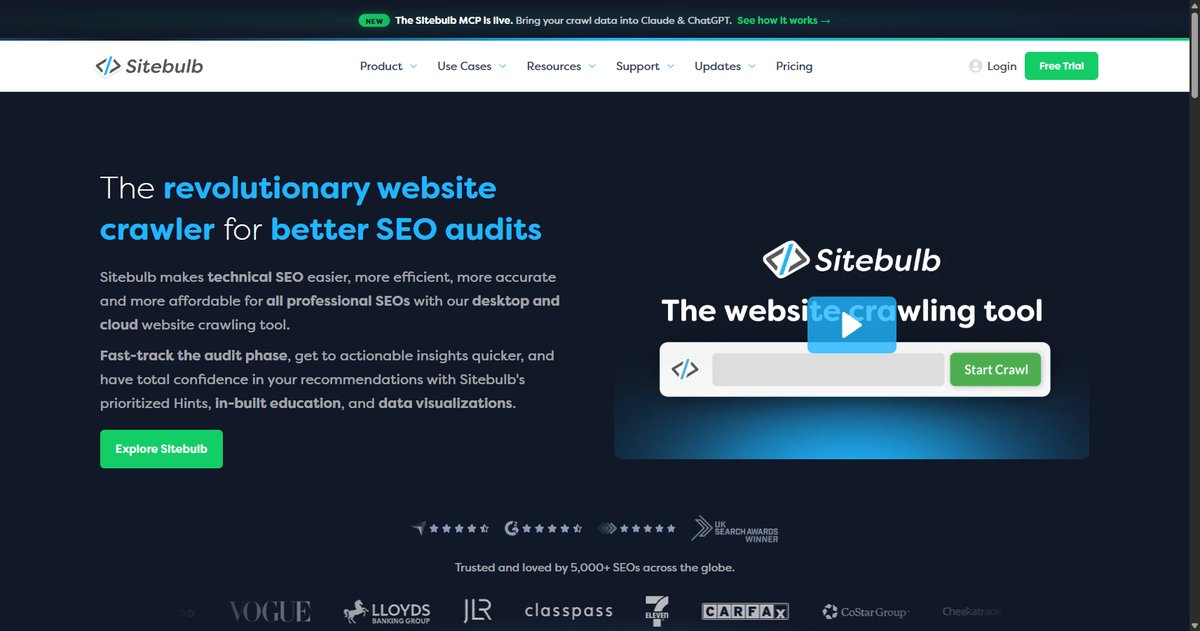
| Name: | Sitebulb |
| User Interface: | Desktop application, plus Sitebulb Cloud |
| Platforms Supported: | Windows and Mac (desktop); browser (Cloud) |
| Cost: | Desktop Lite and Pro plans, billed monthly or yearly; Sitebulb Cloud from $125 a month |
| Crawl Scope/Size: | Lite: 10,000 URLs per audit. Pro: 500,000 URLs per audit. Cloud: flexible crawling plans. |
| Unique Function: | Prioritized “Hints” (100+ on Lite, 300+ on Pro), JavaScript crawling on every plan, crawl maps, and MCP access to connect your audits to Claude and other AI tools |
Sitebulb sits between Screaming Frog and the cloud suites. You still crawl on your own machine, but the report explains each issue and ranks it, which is exactly the delivery problem Eva was talking about.
4. OpenSEO Site Audit
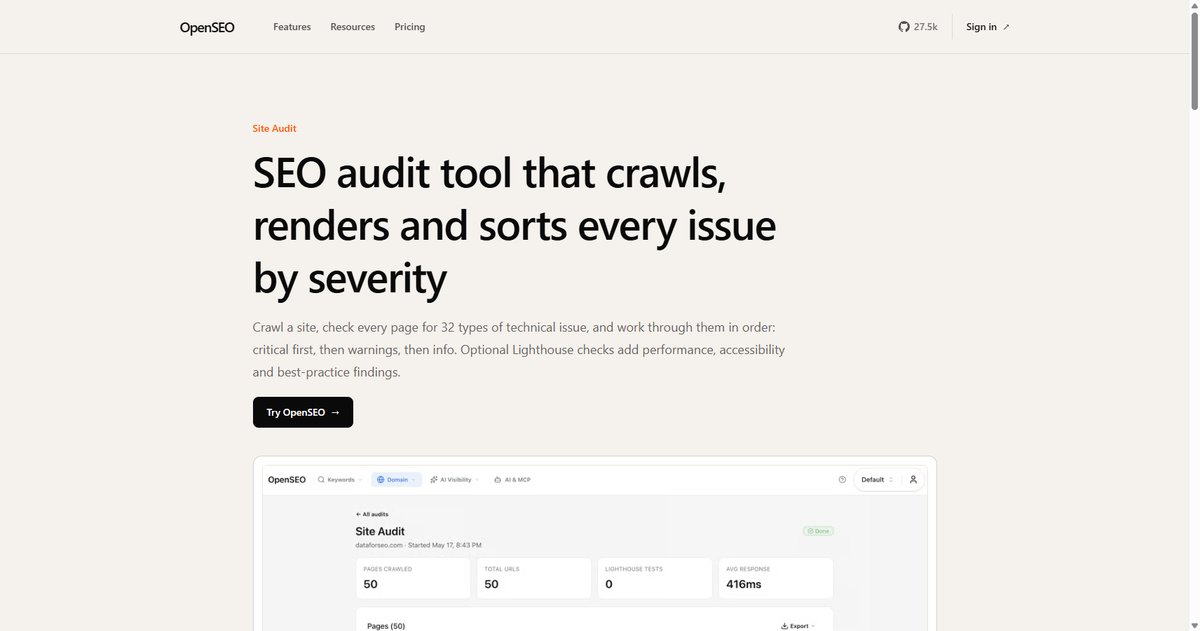
| Name: | OpenSEO Site Audit |
| User Interface: | Web application, or self-hosted (OpenSEO is open source) |
| Platforms Supported: | Any browser; also runs from Claude, Cursor or ChatGPT over MCP |
| Cost: | Free plan audits up to 50 pages per crawl. Paid plans from $10 a month, with usage-based credits. |
| Crawl Scope/Size: | Up to 10,000 pages per audit on a paid plan. Rendered audits follow the same limit and stop after 22 hours. |
| Unique Function: | 33 issue types sorted by severity (critical, warning, info), optional Lighthouse checks, and JavaScript rendering |
| Resource Article: | The Site Audit Strategy Library |
OpenSEO is the newest tool on this list, and its site audit is built on the idea that a crawl should end in a work queue rather than a score. You enter a URL and a page limit, the crawler follows robots.txt and stays on your domain, and every issue opens to the exact URLs it affects. Four issue types are critical: the crawler was blocked, a server error, a broken internal link, or a missing title. Twenty are warnings, like duplicate titles, redirect chains, conflicting canonicals, thin content and orphan pages, and the other nine are informational.
Two things set it apart from the older desktop crawlers. Turn on rendering and OpenSEO loads each page in a browser before checking it, so JavaScript sites don’t come back as empty shells. And your AI agent can start the audit, check its progress and read the issues by severity over MCP, then work through the fixes with you. The OpenSEO site audit library covers what happens after the crawl: triaging findings by severity, writing an audit report a client will act on, and deciding when the fix is deleting pages.
5. Raven Tools Site Auditor
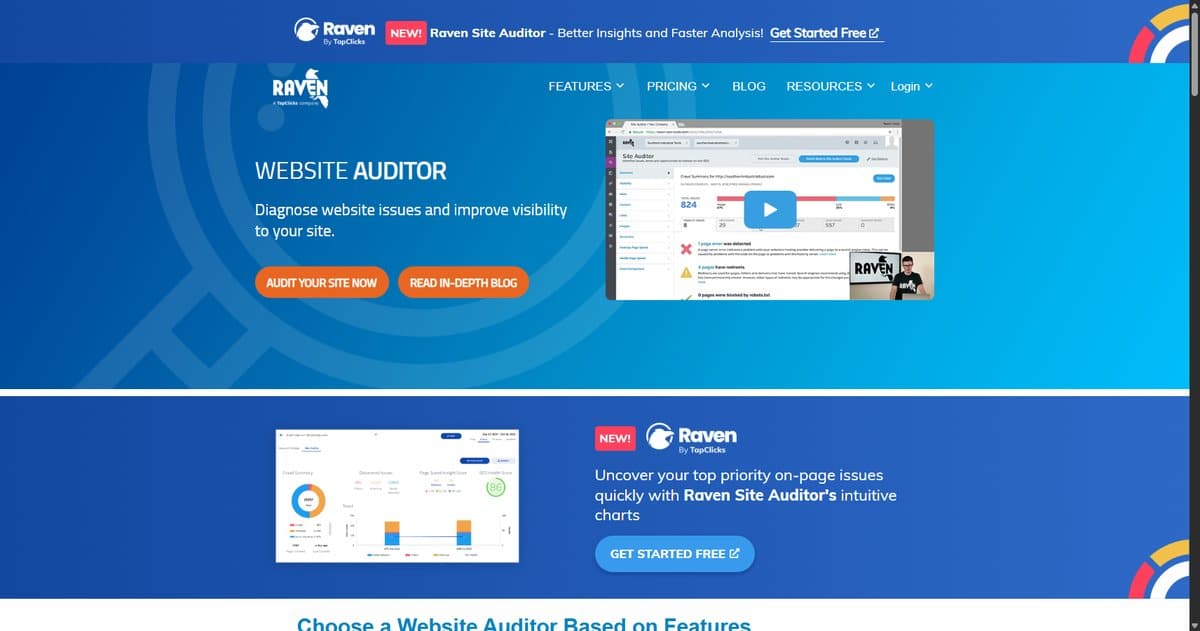
| Name: | Raven Site Auditor |
| Company/Parent Toolset: | Raven Tools, now part of TapClicks |
| User Interface: | Web application |
| Cost: | From $49 a month ($39 a month billed yearly) up to $479 a month, as part of the full Raven toolset; free trial available |
| Crawl Scope/Size: | 50,000 page crawls a month on the smallest plan, up to 7 million on the largest |
| Unique Function: | A site health score out of 100, issues ordered by severity, and results as a checklist you can mark off or share |
Raven still sells a site auditor, and it’s still bundled into a reporting suite rather than sold on its own. The separate “Site Performance” tool from the original list no longer exists; its old URL now lands on the Raven homepage.
6. Moz Pro Site Crawl
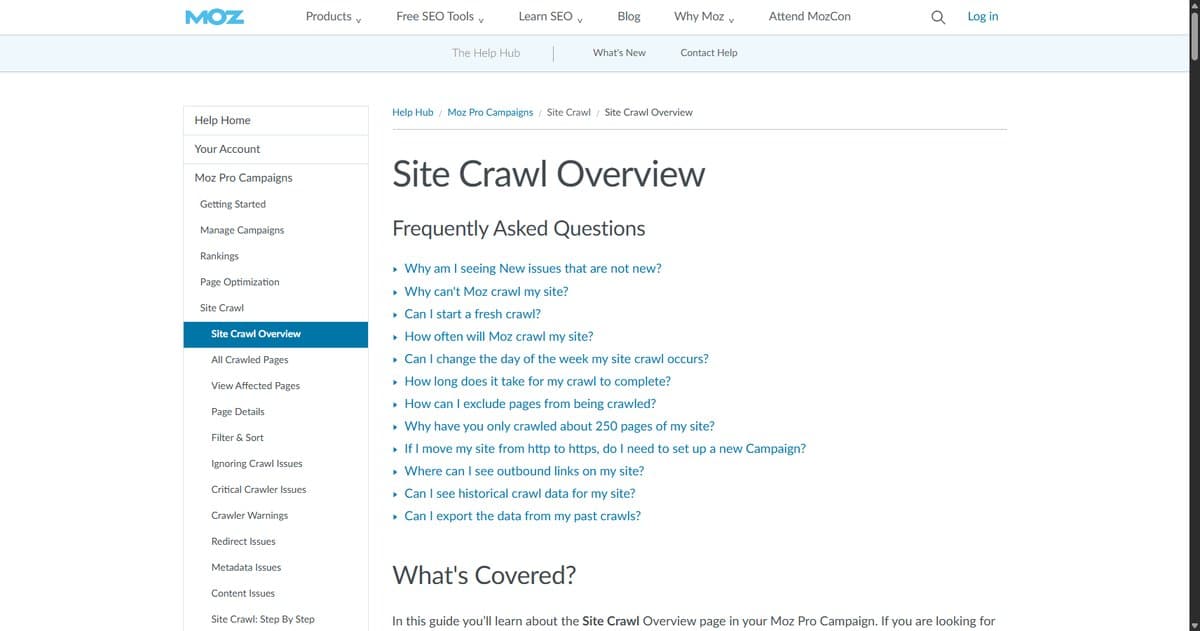
| Name: | Moz Pro Site Crawl (the old SEOmoz Crawl Diagnostics) |
| User Interface: | Web application |
| Cost: | Moz Pro Standard $99 a month, Medium $179, Large $299 (about 20% less billed yearly); free trial on Medium |
| Crawl Scope/Size: | 400,000 pages crawled a month on Standard, up to 5 million on Large |
The SEOmoz crawl diagnostics link from the original post now redirects to Moz Pro’s Site Crawl documentation. The crawl is one part of the subscription, alongside rank tracking, Moz’s link metrics and its newer AI visibility features.
7. Ahrefs Site Audit (Ahrefs Free)
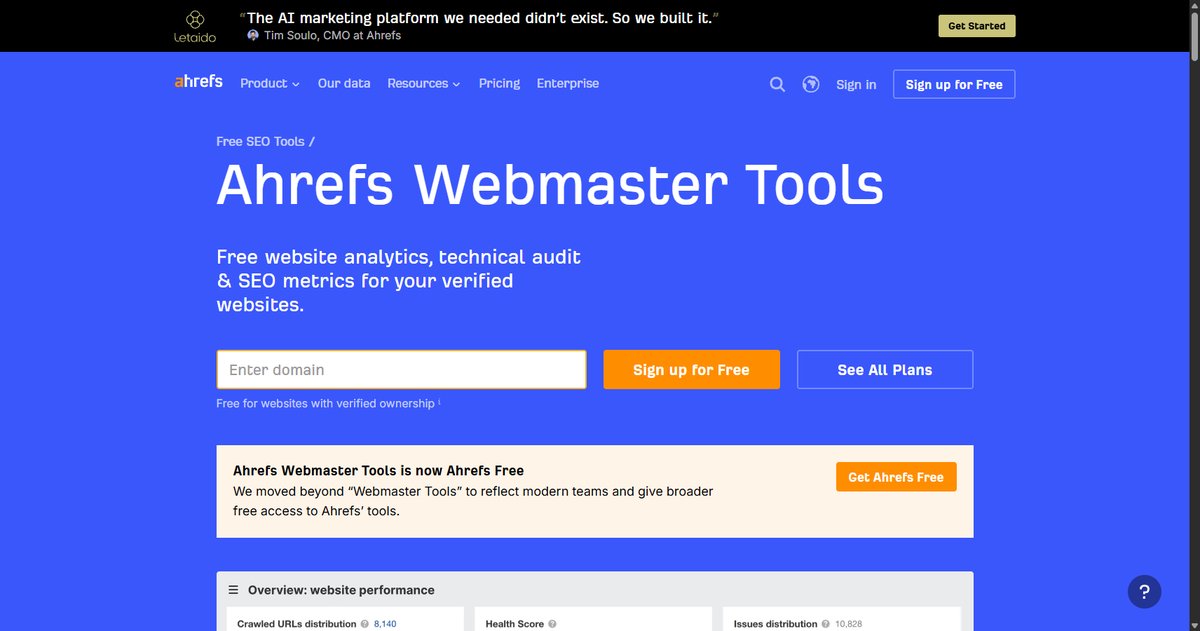
| Name: | Ahrefs Site Audit, in Ahrefs Free (formerly Ahrefs Webmaster Tools) |
| User Interface: | Web application |
| Cost: | Free for websites you verify; paid plans start with Starter at $29 a month |
| Crawl Scope/Size: | 5,000 crawl credits per verified project per month, on an unlimited number of verified sites. Credits are only used on HTML pages that return a 200. |
| Unique Function: | Checks for 170+ technical and on-page SEO issues and tracks a Health Score over time |
If you own the site and just want a reliable monthly health check, this is the best free cloud option on the list. The catch is verification: you can only audit sites you can prove you control.
8. Semrush Site Audit
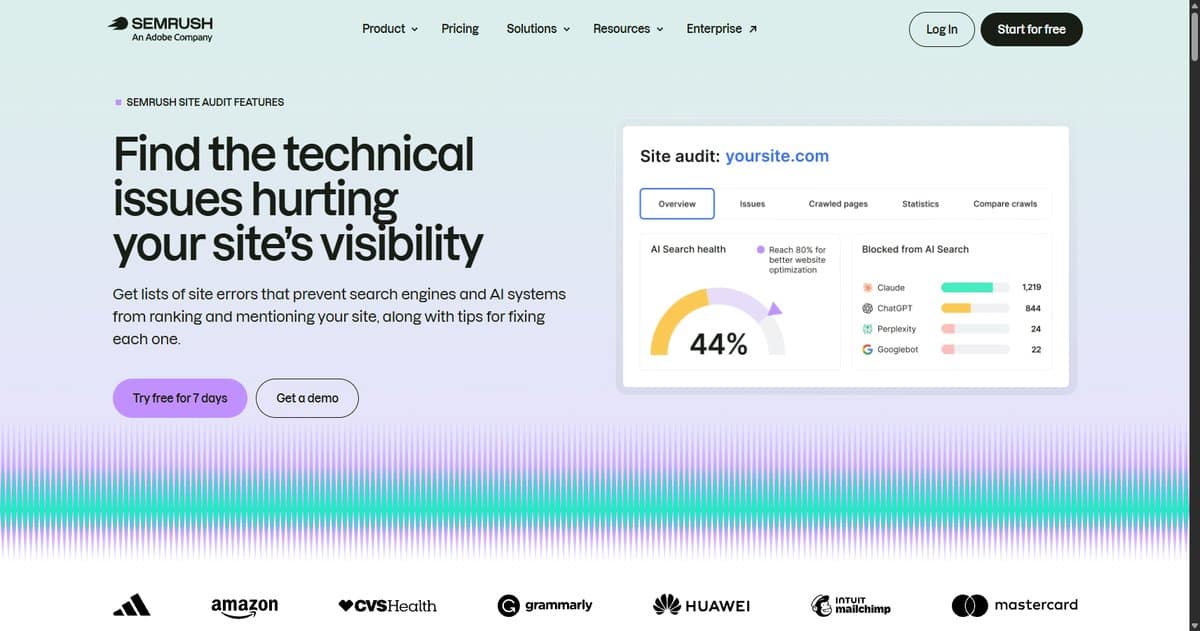
| Name: | Semrush Site Audit |
| Company/Parent Toolset: | Semrush, which now brands itself “An Adobe Company” |
| User Interface: | Web application |
| Cost: | SEO plan $139 a month ($117.33 a month billed yearly), which includes Site Audit; 7-day free trial |
| Unique Function: | Lists site errors with tips for fixing each one, flags pages that block AI crawlers, and schedules recurring audits |
Semrush also runs a free one-off SEO Checker if you want a snapshot before you commit to a subscription.
9. Lumar
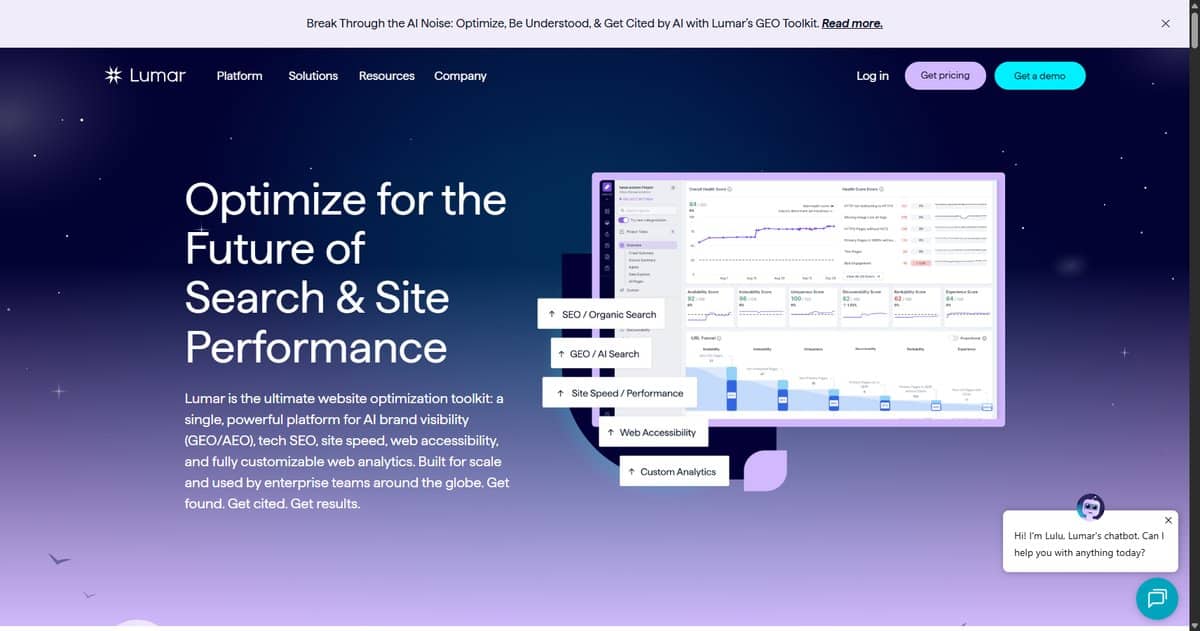
| Name: | Lumar |
| User Interface: | Web application |
| Cost: | Pricing on request (enterprise) |
| Crawl Scope/Size: | Built to audit millions of pages |
| Unique Function: | 250+ built-in reports plus custom data extraction, with technical SEO, AI visibility, site speed and accessibility in one platform |
Lumar is here for the enterprise sites, the ones where a desktop crawler runs out of memory before it runs out of URLs. If your site is under 100,000 pages, you probably don’t need it.
10. A1 Website Analyzer
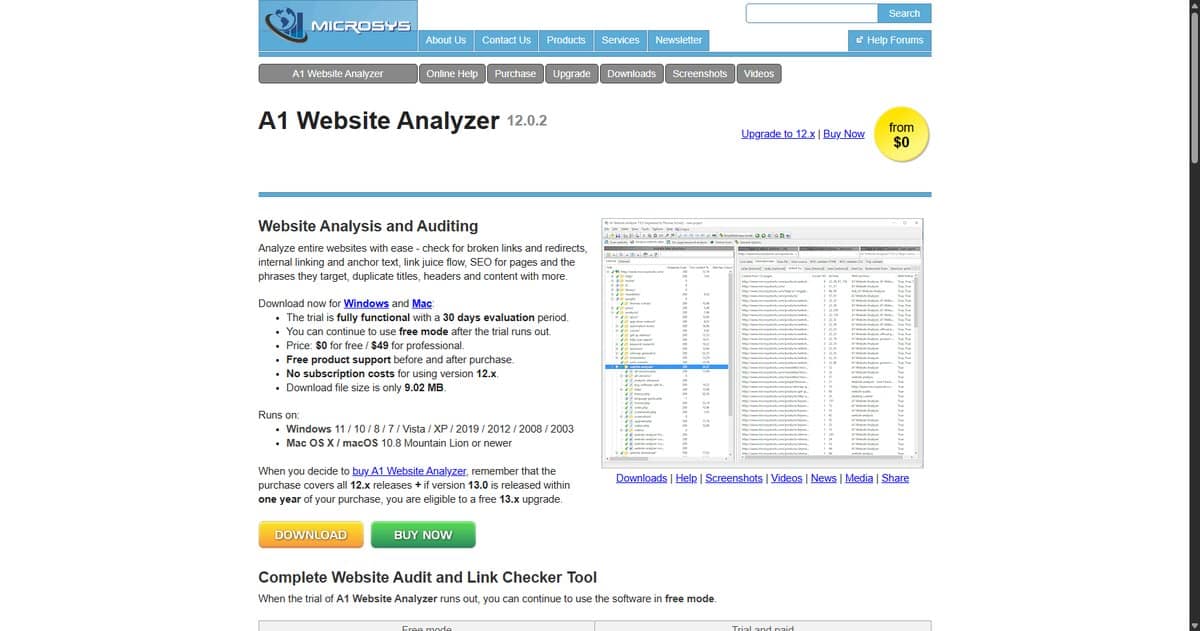
| Name: | A1 Website Analyzer 12 |
| Company/Parent Toolset: | Microsys |
| User Interface: | Desktop application |
| Platforms Supported: | Windows and Mac |
| Cost: | Free mode, or $49 for Professional. One-time price, no subscription for version 12.x, and the trial is fully functional for 30 days. |
| Unique Function: | Broken links and redirects, internal linking and anchor text, link juice flow, and duplicate titles, headers and content |
When I first wrote this list, the developer sent a long reply about A1’s features and a $69 license. That price and that version are long gone, so I’ve cut the reply and kept what the current product page says.
11. W3C Link Checker
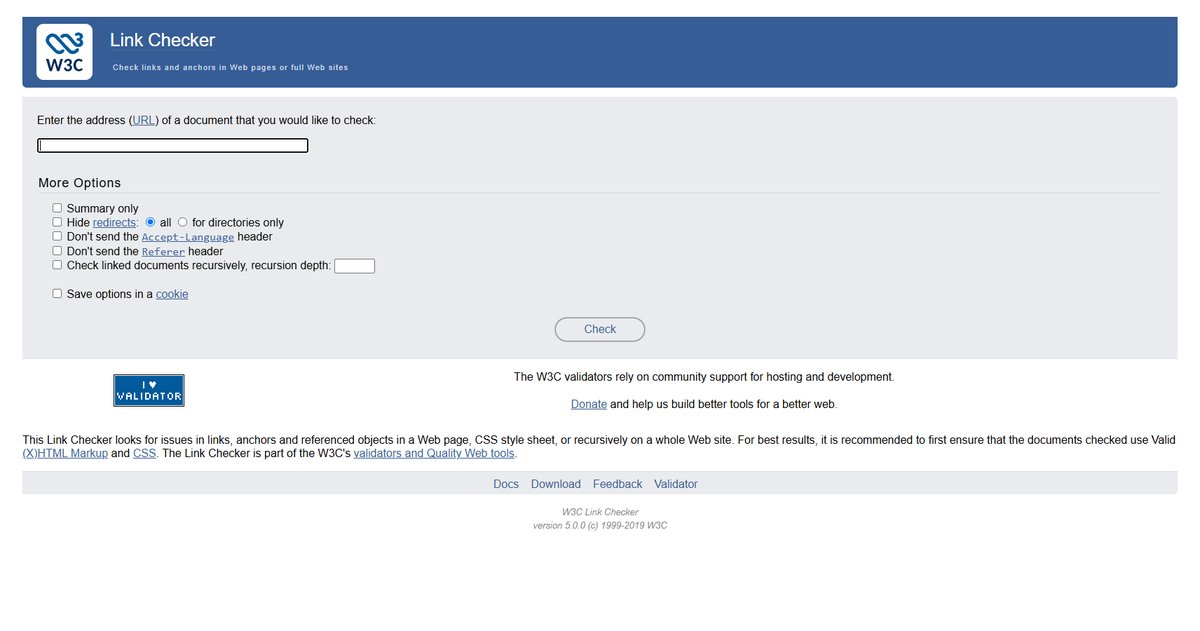
| Name: | W3C Link Checker |
| Company/Parent Toolset: | W3C (the World Wide Web Consortium) |
| User Interface: | Website |
| Cost: | Free |
| Crawl Scope/Size: | One page, or recursively across a site to a depth you set |
| Unique Function: | Checks links, anchors and referenced objects, and can hide redirects or show a summary only |
It’s bare bones and it hasn’t had a version bump since 2019, but it still works, and sometimes you just need to know which links on a page are broken without installing anything.
SEO Crawl Tools Removed From This List
Here’s what came off the list in the November 2026 update, and why:
- Craawler: the domain no longer resolves. The tool is gone.
- Web Data Extractor: webextractor.com now redirects to a domain-for-sale listing. It was a data scraping tool, not an SEO crawler, in the first place.
- Sucuri: still online, but it’s a website security platform for malware scanning and cleanup, not an SEO crawler. If you suspect a hack is hurting your rankings, it’s still worth a look.
- Raven Site Performance: no longer a separate tool. Raven’s Site Auditor (above) is what’s left.
Sitebulb, OpenSEO, Ahrefs, Semrush and Lumar took their places.
What to Fix First After a Site Crawl
Every tool above will give you more issues than you have hours. The skill is deciding which ones matter. Take the 404 report, which plenty of crawlers put near the top of the pile. Eva doesn’t:
I find it quite healthy for a website to have like an X amount of 404s. It’s quite healthy. It’s normal. Again, if it’s not like a very important page and if it’s not like a high number.
Eva Mermingi, on technical SEO audit priorities
Her list runs the other way: duplication, links and redirects (especially the ones in the main navigation or footer, where one fix updates every page), orphan pages and indexation, with Core Web Vitals after the basics. You can read the rest in the technical SEO audit priorities recap.
Sometimes the crawl tells you the fix is fewer pages, not better ones. Grant Simmons, now at Fiat Growth, led SEO at Homes.com when a Panda hit forced exactly that call:
it was a matter of getting rid of millions of pages from a 110 million page site, taking some really big risks in chopping.
Grant Simmons, Fiat Growth, on Unscripted SEO
They got their traffic back. On a 300 page site, though, the same instinct usually just deletes pages you needed. Before you prune, read the technical SEO audit and crawl budget strategy, and redirect anything you retire, per the sunset URL redirect tactic.
Site Crawl Data, Log Files and AI Agents
A crawler shows you what a bot could find on your site. Your server’s access logs show you what Googlebot and the AI crawlers actually requested, and when. Put the two side by side and you’ve got a much stronger case than either one alone. Chris Green of Torque Partnership walked through how he reads AI bot traffic in access logs, and we turned it into an SOP: AI bot access log analysis.
Sitebulb, Semrush and OpenSEO can all hand crawl data to an AI assistant now, and that’s a real time saver. Chris’s warning about logs applies just as much to crawl exports, though:
If you kind of know how you would do it without Claude, you can get Claude to do it much more effectively for you […] It’s very, very easy to start hallucinating things or it might start seeing a trend in the data that’s not really there.
Chris Green, Torque Partnership, on Unscripted SEO
So use the agent to sort, group and draft. Then check the URLs it flags with your own eyes before anything goes in front of a client or a developer.
Choosing an SEO Site Crawl Tool by the Size of Your Site
If you’re auditing a small business site, start free: Beam Us Up, Screaming Frog’s 500 URLs, OpenSEO’s 50 page audit or Ahrefs Free will cover you. Once you’re running audits for clients every month, a paid desktop crawler like Screaming Frog or Sitebulb pays for itself, and an all-in-one suite like Semrush, Moz or Raven makes sense if you’re already paying for its rank tracking. Lumar is for the sites with millions of URLs and a dev queue to match.
Whichever one you pick, run the crawl, fix the handful of things that actually block pages from being found, and stop there for the week. If you want help turning that into a repeatable process, our hands-on SEO training walks you through a technical audit on your own site, and the technical SEO resource guide collects the rest.